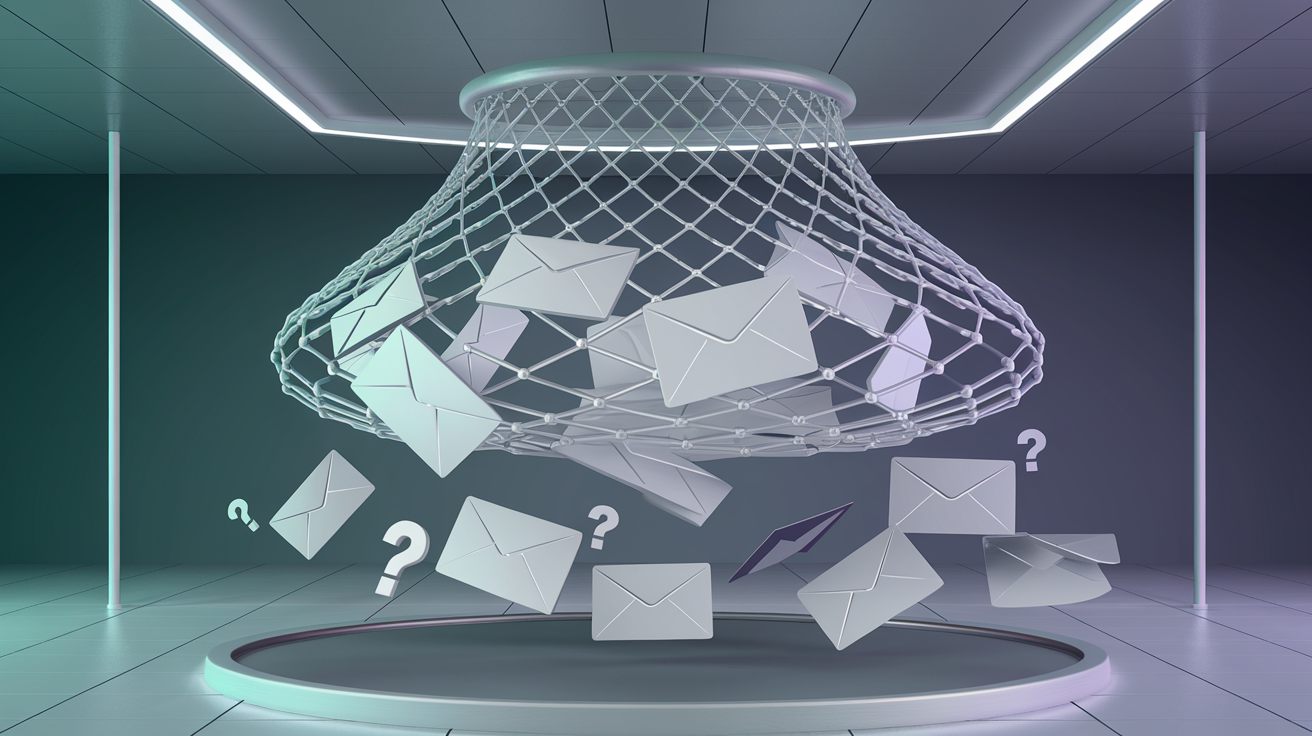
You've run your email list through verification, and everything comes back clean. But when you send your campaign, bounces spike unexpectedly. The culprit? Catch-all domains—email servers configured to accept every message regardless of whether the specific mailbox exists. These domains make traditional SMTP verification useless, leaving you guessing about address validity. This guide explains how catch-all emails work and how modern AI-powered verification can finally solve this problem.
Key Facts About Catch-All Domains
- ✓15-25% of business email domains are configured as catch-all
- ✓Traditional SMTP verification cannot determine if addresses on catch-all domains exist
- ✓30-50% of addresses on catch-all domains may be invalid
- ✓AI-powered verification can achieve 85%+ accuracy on catch-all domains
What Are Catch-All Emails?
A catch-all email domain (also called “accept-all”) is configured to accept incoming mail sent to any address at that domain, regardless of whether a specific mailbox exists. If you send an email to random.gibberish@company.com and company.com is catch-all, the server will accept the message instead of rejecting it with a “user not found” error.
Catch-All vs Normal Email Servers
Normal Server
Valid address: “250 OK” - Accepted
Invalid address: “550 User not found” - Rejected
✓ Verification possible
Catch-All Server
Valid address: “250 OK” - Accepted
Invalid address: “250 OK” - Also Accepted!
✗ Traditional verification fails
When an email is sent to a non-existent address on a catch-all domain, one of two things happens:
- The message goes to a designated catch-all inbox (often monitored by IT or sales)
- The message is silently discarded after acceptance (the sender thinks it was delivered)
Why Companies Use Catch-All Configuration
Catch-all isn't a mistake—companies configure it intentionally for several business reasons:
1. Never Miss Important Emails
If a customer mistypes an employee's name (john.smithh@ instead of john.smith@), the email still arrives. Companies don't want to lose business due to typos.
2. Prevent Email Enumeration Attacks
Hackers can probe SMTP servers to discover valid email addresses for phishing or spam. By accepting all addresses, catch-all domains reveal nothing about which employees actually exist.
3. Legacy System Compatibility
Older systems sometimes send emails to addresses that no longer exist. Catch-all prevents bounces and allows IT to review and route messages manually.
4. Simplified Email Management
Small businesses may prefer catch-all over managing individual accounts. Any email to any address reaches a central inbox where they can be handled.
Industry insight: Catch-all is most common in B2B environments. Enterprise companies, law firms, consulting agencies, and financial institutions frequently use catch-all to prevent information leakage. If your email list is B2B-heavy, expect 20-30% catch-all domains.
The Verification Challenge
Traditional email verification relies on SMTP handshaking. The verification service connects to the mail server and asks, “Would you accept mail for this address?” The server's response reveals whether the mailbox exists—except on catch-all domains, where every query returns success.
# Normal SMTP verification
RCPT TO: <john@normal-company.com>
250 OK - Recipient exists
RCPT TO: <fake123@normal-company.com>
550 User unknown
# Catch-all SMTP verification
RCPT TO: <anything@catchall-company.com>
250 OK <-- Always accepts!
How to Identify Catch-All Domains
Verification services detect catch-all by querying the server with a random, clearly non-existent address. If the server accepts something like “xq7k2m9test123@domain.com”, it's catch-all.
Detection Method
- 1Generate random string:
abc123xyz789 - 2Query SMTP:
RCPT TO: abc123xyz789@domain.com - 3If
250 OK→ Catch-all detected
AI-Powered Catch-All Verification
Since SMTP verification fails on catch-all domains, modern verification services use machine learning to predict whether specific addresses are likely to be real:
Pattern Analysis
AI models learn common naming patterns. Real business emails follow formats like firstname.lastname@ or f.lastname@. Random strings like xkcd2847@ are almost always invalid.
Historical Data
When addresses on catch-all domains have been verified through actual delivery (opens, clicks), that data trains the model to recognize valid patterns.
Confidence Scoring
Instead of binary valid/invalid, AI returns confidence scores (e.g., 85% likely valid). Set thresholds based on your risk tolerance.
| SMTP | AI Score | Action | |
|---|---|---|---|
| john.smith@company.com | Catch-all | 92% | Safe to send |
| sales@company.com | Catch-all | 75% | Use caution |
| xkq847@company.com | Catch-all | 12% | Likely invalid |
Strategies for Handling Catch-All Addresses
Conservative (Low Risk)
For transactional, high-stakes campaigns
- • Only send to AI score > 85%
- • Exclude unscored addresses
- • Monitor bounces closely
Balanced (Medium Risk)
For marketing campaigns, newsletters
- • Send to AI score > 70%
- • Segment for monitoring
- • Remove non-engagers
Common Catch-All Domains
| Industry | Catch-All Rate | Reason |
|---|---|---|
| Law Firms | 60%+ | Security concerns |
| Financial Services | 50%+ | Prevent enumeration |
| Government | 40%+ | Policy requirements |
| Consumer (Gmail, etc.) | 0% | Never use catch-all |
Best Practices
Use AI-powered verification for confidence scores on catch-all addresses
Segment catch-all addresses separately to monitor performance
Track engagement to validate catch-all addresses over time
Assume catch-all means valid—30-50% of addresses may bounce, damaging your sender reputation
Send at full volume to untested catch-all—start with small batches
Verify catch-all emails with AI
Kawaa uses advanced AI to score catch-all addresses with 85%+ accuracy. Stop guessing and get confidence scores for every email—even on catch-all domains.
Get Started Free