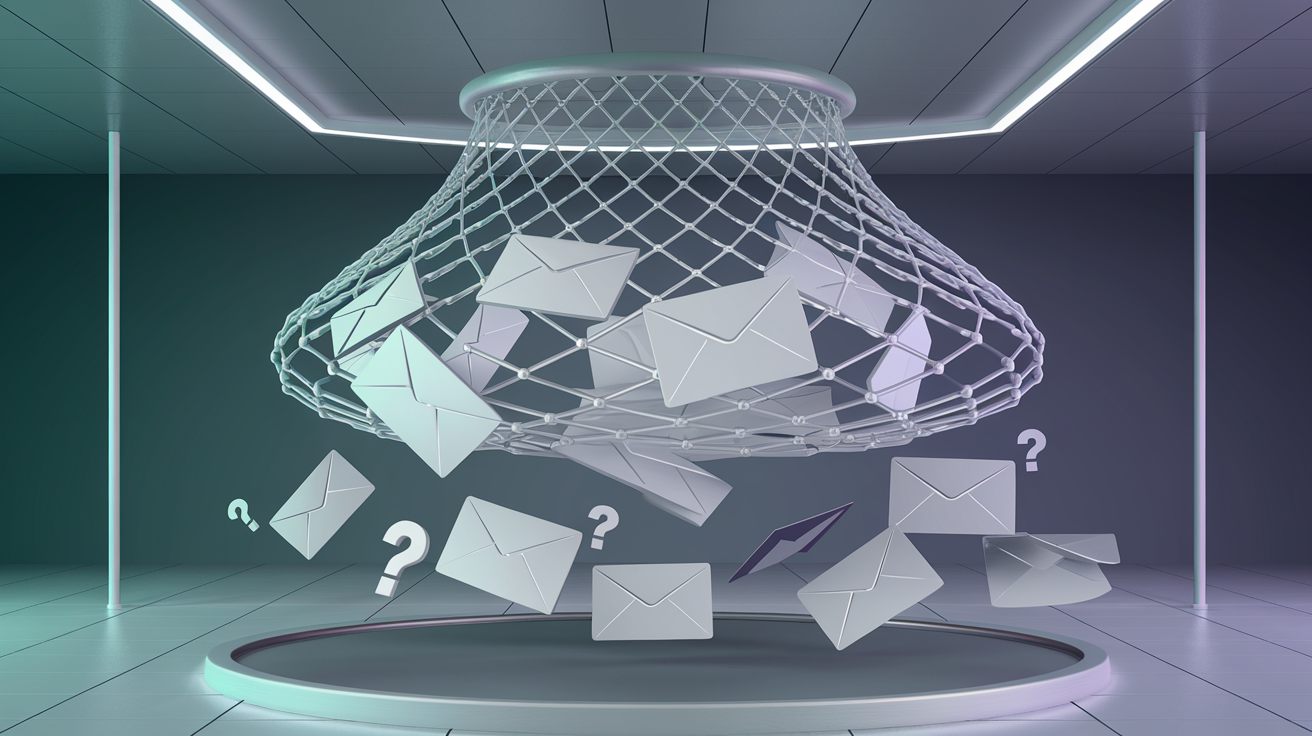
You've run your email list through verification, and everything comes back clean. But when you send your campaign, bounces spike unexpectedly. The culprit? Catch-all domains: email servers configured to accept every message regardless of whether the specific mailbox exists. These domains make traditional SMTP verification useless, leaving you guessing about address validity. This guide explains how catch-all emails work and what verification can, and cannot, tell you about them.
Key facts about catch-all domains
- Catch-all is a common setup on business domains and rare on large consumer mailbox providers
- Traditional SMTP verification cannot determine if addresses on catch-all domains exist
- An address a catch-all server accepts may still not exist
- AI-powered verification can add risk signals and confidence scores for catch-all domains
What are catch-all emails?
A catch-all email domain (also called “accept-all”) is configured to accept incoming mail sent to any address at that domain, regardless of whether a specific mailbox exists. If you send an email to random.gibberish@company.com and company.com is catch-all, the server will accept the message instead of rejecting it with a “user not found” error.
Catch-all vs normal email servers
Normal server
Valid address: “250 OK” - Accepted
Invalid address: “550 User not found” - Rejected
Verification possible
Catch-all server
Valid address: “250 OK” - Accepted
Invalid address: “250 OK” - Also accepted!
Traditional verification fails
When an email is sent to a non-existent address on a catch-all domain, one of two things happens:
- The message goes to a designated catch-all inbox (often monitored by IT or sales)
- The message is silently discarded after acceptance (the sender thinks it was delivered)
Why companies use catch-all configuration
Catch-all isn't a mistake. Companies configure it intentionally for several business reasons:
Never miss important emails
If a customer mistypes an employee's name (john.smithh@ instead of john.smith@), the email still arrives. Companies don't want to lose business due to typos.
Prevent email enumeration attacks
Hackers can probe SMTP servers to discover valid email addresses for phishing or spam. By accepting all addresses, catch-all domains reveal nothing about which employees actually exist.
Legacy system compatibility
Older systems sometimes send emails to addresses that no longer exist. Catch-all prevents bounces and allows IT to review and route messages manually.
Simplified email management
Small businesses may prefer catch-all over managing individual accounts. Any email to any address reaches a central inbox where they can be handled.
Industry insight
Catch-all is most common in B2B environments. Enterprise companies, law firms, consulting agencies, and financial institutions often use catch-all to prevent information leakage. If your email list is B2B-heavy, expect a noticeable share of catch-all domains.
The verification challenge
Traditional email verification relies on SMTP handshaking. The verification service connects to the mail server and asks, “Would you accept mail for this address?” The server's response reveals whether the mailbox exists, except on catch-all domains, where every query returns success.
# Normal SMTP verification
RCPT TO: <john@normal-company.com>
250 OK - Recipient exists
RCPT TO: <fake123@normal-company.com>
550 User unknown
# Catch-all SMTP verification
RCPT TO: <anything@catchall-company.com>
250 OK <-- Always accepts!
How to identify catch-all domains
Verification services detect catch-all by querying the server with a random, clearly non-existent address. If the server accepts something like “xq7k2m9test123@domain.com”, it's catch-all.
Detection method
- 1Generate random string:
abc123xyz789 - 2Query SMTP:
RCPT TO: abc123xyz789@domain.com - 3If
250 OK→ Catch-all detected
AI-powered catch-all verification
Since SMTP verification fails on catch-all domains, modern verification services use machine learning to predict whether specific addresses are likely to be real:
Pattern analysis
AI models learn common naming patterns. Real business emails follow formats like firstname.lastname@ or f.lastname@. Random strings like xkcd2847@ are much less likely to belong to a real person.
Your own delivery history
Opens, clicks and bounces from mail you have already sent to a catch-all domain are the strongest evidence of which addresses there are real. A verification check does not see that history, so weigh it alongside the result.
Confidence scoring
Instead of a binary valid/invalid, you get a confidence score for the address. Set thresholds based on your risk tolerance.
| SMTP | Confidence | Action | |
|---|---|---|---|
| john.smith@company.com | Catch-all | High | Lowest risk |
| sales@company.com | Catch-all | Medium | Use caution |
| xkq847@company.com | Catch-all | Low | Likely invalid |
Strategies for handling catch-all addresses
Conservative (low risk)
For transactional, high-stakes campaigns
- Only send to high-confidence addresses
- Exclude unscored addresses
- Monitor bounces closely
Balanced (medium risk)
For marketing campaigns, newsletters
- Include medium-confidence addresses
- Segment for monitoring
- Remove non-engagers
Where catch-all shows up
| Type of domain | Catch-all use | Typical reason |
|---|---|---|
| Law firms | Common | Security concerns |
| Financial services | Common | Prevent enumeration |
| Government | Varies | Policy requirements |
| Large consumer providers (such as Gmail) | Rare | Unknown mailboxes are usually rejected |
Best practices
Use AI-powered verification for confidence scores on catch-all addresses
Segment catch-all addresses separately to monitor performance
Track engagement to validate catch-all addresses over time
Assume catch-all means valid: addresses that don't exist will still bounce later, damaging your sender reputation
Send at full volume to untested catch-all; start with small batches